SEKA logo
HomeHubCreator StudioMore
PublishTranslate

SEKA GUIDE

User Guide

  • Entry points
  • Filter content
  • Read and interact
  • Join a Collab Project

User GuideHubEntry points
HUB

Where to open Hub

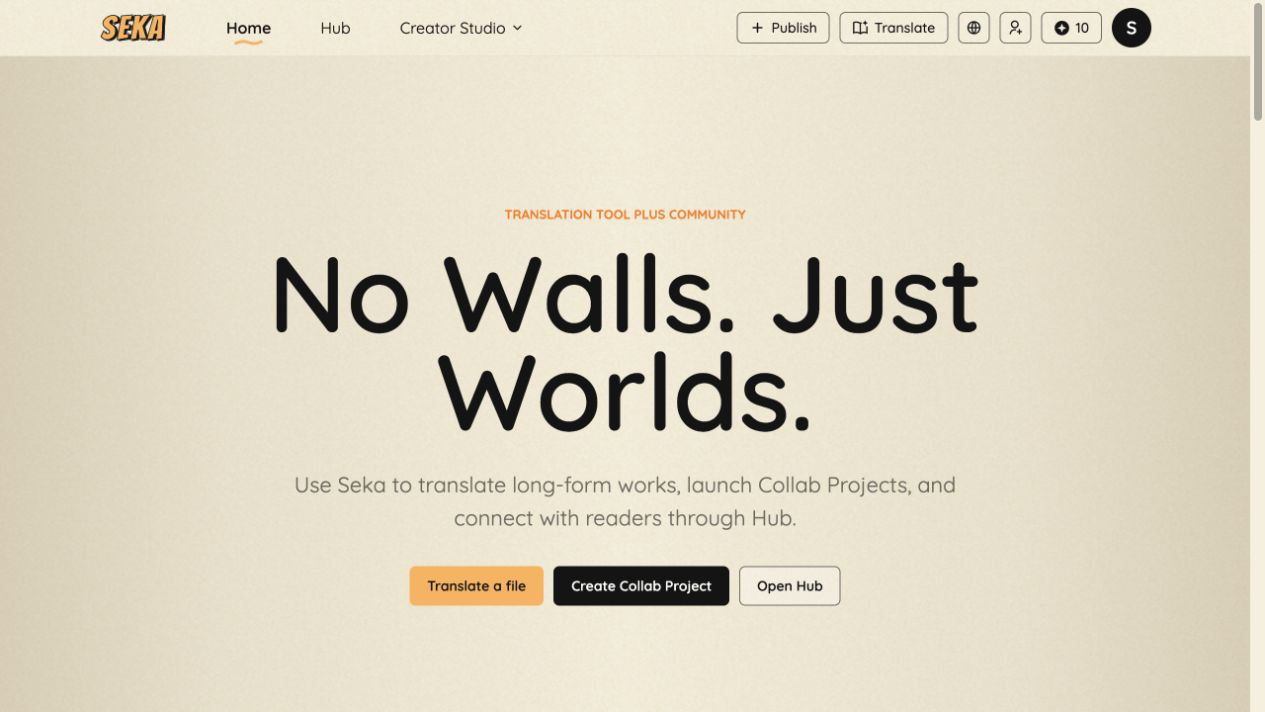
Open Hub from the top navigation or select Open Hub on the Home page. Hub brings together public Notes and joinable Collab Projects.

H
WHERE CONTENT COMES FROM

Hub receives public content published from Creator Studio

Notes and Collab Projects in Hub are created and submitted by users in Creator Studio. After they are approved for publication, they appear in Hub for readers to discover, interact with, or join.

  1. Publish in Creator Studio→
  2. Platform review→
  3. Published in Hub
Demo · SEKA interface guide
SEKA interface screenshot
1Entry 1: click Hub in the top navigation.

Steps

  1. 1Click Hub in the top navigation.
  2. 2You can also click Open Hub on the Home page.
  3. 3Hub opens on All. You can then filter by Notes or “Collab project.”

i

Tip

Hub is the discovery area for public content and Collab Projects. Browsing a project does not join it. To receive reading access, choose a language and complete the Join flow.

Next ->Hub · Filter content

Legal

Terms of ServicePrivacy Policy

Company

Home

Social

X

Contact

emailsupport@seka.oneTelegram

© 2026 Bishop Entertainment Holdings Limited. All rights reserved.